
Getting Coleman County Court Records
Pick the right office first. The Coleman County District Clerk keeps the files of the 42nd District Court. The County Clerk holds County Court, probate, and county-level records. Justice court and each municipal court keep their own dockets. Send a court records request to the wrong window. It can fail, even when the file is fully public.
- Name the court and provide the case number if known.
- State whether the request is for a docket span, filed document, order, judgment, or transcript.
- Ask for a plain, electronic, certified, or authenticated copy as needed.
- Give a narrow date range and case style only when useful.
- Ask for the current fee, payment method, delivery format, and processing estimate.
- Ask whether redaction or restriction applies and request the written basis for a denial.
You have several ways in: re:SearchTX, a clerk counter, phone, mail, or email where the office accepts it. Note that county public-information forms cover nonjudicial county records, so they are not the automatic route for case files.
Coleman County Court Record Clerks
Darlene Huddle serves as District Clerk, per the OCA personnel directory. Her office sits at 100 Liveoak Street, Suite 201, Coleman, Texas 76834-3533. She is reachable at 325-625-2568 and dclerk@co.coleman.tx.us. Bring any district docket question there, along with filing history, district orders, or clerk-held copies. One caution: the old district-clerk county URL redirects. Confirm current contact details through OCA or the county itself.
County Clerk Stacey Mendoza works at 100 W. Live Oak Street, Suite 105, Coleman, Texas 76834. Call 325-625-2889 or write smendoza@colemancounty.gov. Hours run Monday through Thursday from 8:00 a.m. to 4:30 p.m. Friday hours end at 4:00 p.m., with an occasional noon lunch closure. County Court, probate, and county-level records all route through her office.
Coleman County District Clerk
Suite 201, 100 Liveoak Street
Coleman, Texas 76834-3533
325-625-2568
dclerk@co.coleman.tx.us
Coleman County Clerk
Suite 105, 100 W. Live Oak Street
Coleman, Texas 76834
325-625-2889
smendoza@colemancounty.gov
Court Record Types
Know what you are asking for. A docket is the chronological, index-like history of a case; the filed record is the actual content behind each entry. Request "the record" without naming the product and you risk delay or the wrong copy.
- A docket or case history lists filings, settings, orders, and dispositions.
- A pleading states a party’s filed claim, response, or request.
- A motion asks the court to act; it does not prove the request was granted.
- An order or judgment contains the court’s operative text.
- A transcript is a court reporter product, not a clerk docket printout.
- A certified copy carries the clerk’s certification under that office’s process.
Filings can include more than orders. Exhibits, notices, citations, and returns may exist too, depending on the case and access rules. When you lack the case number, run the docket search first, then request the exact item you need.
Coleman County Court Record Requests
A precise request spares the clerk from guessing. It also keeps a court case record distinct from a judicial administrative record. Name the court before the county, because several Coleman County offices share one courthouse.
| Request field | What to provide | Why it matters |
|---|---|---|
| Court | 42nd District, County Court, JP, or municipal | Routes the request |
| Case number | Exact clerk value | Identifies the file |
| Record | Docket span, order, judgment, or filing | Defines the product |
| Format | Inspection, paper, or electronic | Affects delivery and cost |
| Certification | Plain, certified, or authenticated | Changes the clerk process |
| Date range | Narrow filing or event period | Limits the search |
There is no fixed turnaround. Ask the clerk who holds the file for an estimate, and treat portal documents as not instantly available.
Inside a Coleman County Court Record
What a public case file shows varies by court. A neutral field inventory helps you judge the result, and each field should match the right case number. Skip copying private names and identifiers just to complete your notes.
| Court | The judicial office that owns the file. |
|---|---|
| Case number | The main clerk lookup key. |
| Category | Civil, family, criminal, probate, traffic, or another type. |
| Filed date | The opening or filing date as defined by the source. |
| Event | The date, time, courtroom, and setting type if shown. |
| Document | The filing description, not always its full text. |
| Status | The procedural state or disposition. |
| Restriction | A seal, redaction, confidentiality rule, or access limit. |
If a docket entry says an order was signed and the wording matters, request the full order. A short entry rarely captures the reasons, scope, or directions in the filed document.
Coleman County Court Record Fees
The published schedule belongs to the County Clerk alone. Treat those rates as District Clerk prices and you will misjudge the cost. Confirm the record type and total before paying for copies through any channel.
| County Clerk item | Located amount |
|---|---|
| Plain recorded-document copy | $1 per page |
| Electronic copy up to 10 pages | $1 per document |
| Electronic copy over 10 pages | $0.10 per page |
| Certified copy | $1 per page plus $5 per document |
| Authenticated copy | $1 per page plus $10 per document |
| Returned check | $30 |
Fees for copies in Coleman County start with the official County Clerk fee page. It posts the current schedule for record requests. One warning matters here. The page notes that its Certified Payments bureau code covers only the County Clerk. It does not cover municipal court, JP, property-tax, or payments to any other office.
That Coleman County fee source spells out the scope of the warning itself.
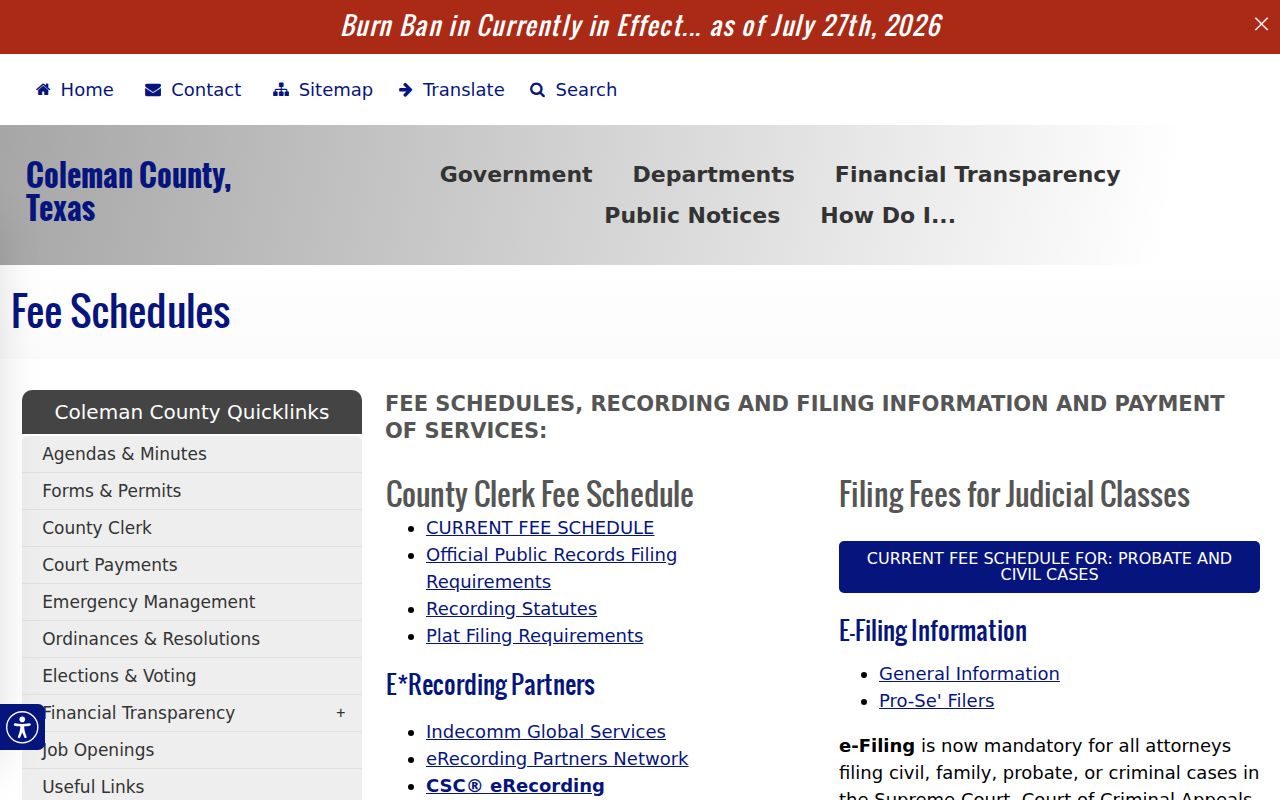
Those rates are County Clerk rates only, so always get a current quote for your specific record.
Coleman County Court Record Fee Gap
The District Clerk posts no current, complete copy schedule. Do not borrow the County Clerk's recorded-document rates for a certified copy from the 42nd District Court. Those are separate offices with separate record sets. For page count, the certification charge, accepted payment, delivery cost, and processing time, contact the District Clerk directly.
Statewide re:SearchTX guidance describes public document access at $0.10 per page, capped at $6, where a document is available. That depends on system integration. It is neither a guaranteed local counter price. Nor is it proof that every district document can be bought online.
Ask for a written fee quote when the page count, certification need, or office scope is unclear.
Fees and Certified Copies
A plain copy reproduces the record with no clerk certification. A certified copy adds the clerk's sworn statement under office process. The County Clerk schedule also lists authenticated copies, which carry an added authentication charge. A transcript follows the court reporter's process. Do not order one as a docket sheet.
Tell the clerk how the copy will be used only so far as it helps identify the right form. Clerks can explain products and fees. But they cannot advise what evidence to file or what legal step to take. Need a certified final judgment? Request that exact judgment, not every docket entry.
Coleman County Court Record Rule
Texas separates court case records from judicial administrative records. That split shapes how you ask. Under Texas Judicial Branch policy, courts do not function as ordinary Public Information Act agencies. Instead, Texas Rule of Judicial Administration 12 covers judicial records beyond case records. It requires a written request clear enough for the office holding the record to find it. Say what you want plainly.
The official Rule 12 policy source sets out those Coleman County access rules.
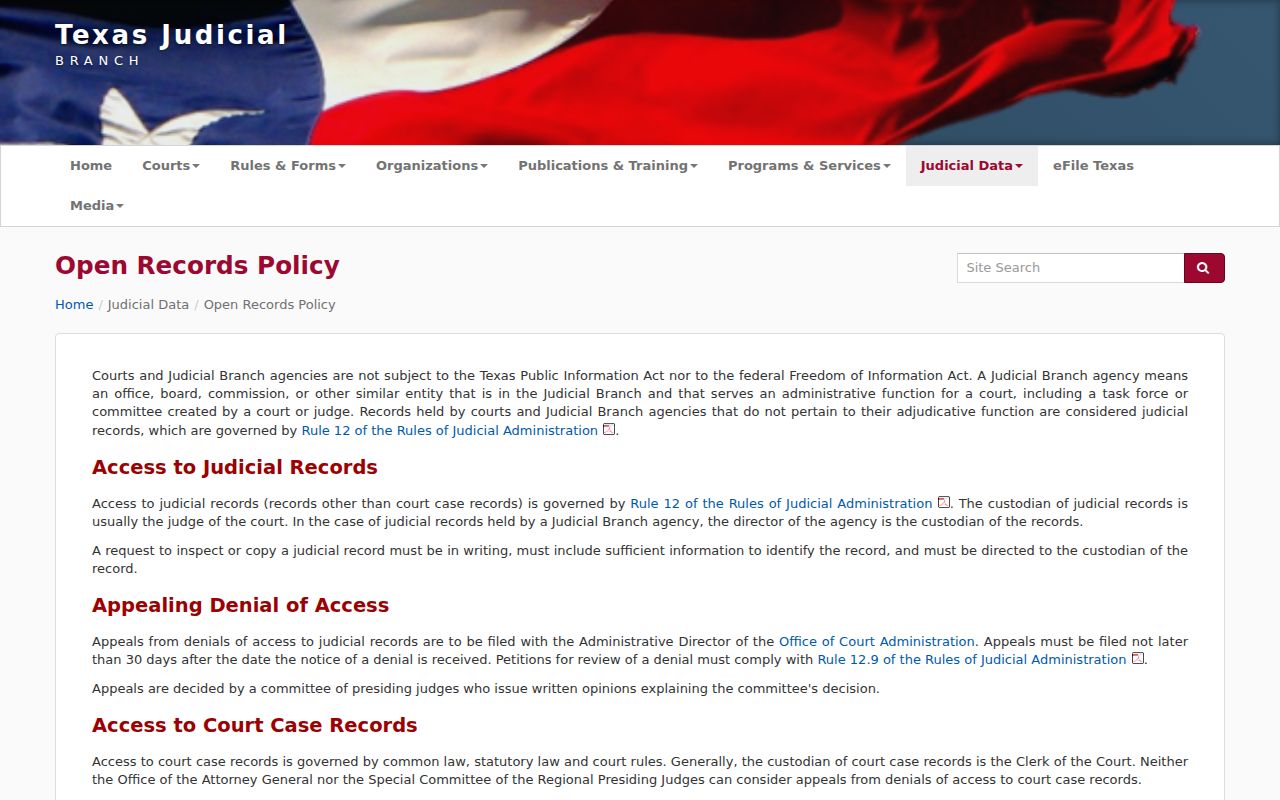
Case files still travel the ordinary route. That means the Coleman County clerk and the court access rules that govern copies, not a records request form. A county PIA form works for nonjudicial county information, and it cannot replace a case-copy order.
Sealed Records and Public Access
Public does not mean total. Even when a Coleman County court docket is open, some filings and details stay hidden. Texas Rule of Civil Procedure 76a lays out when a court record can be sealed. Juvenile confidentiality, expunction, nondisclosure orders, and protected identifiers can each restrict access too. A docket entry may name a filing. The paper itself may stay off limits anyway.
Texas Government Code Chapter 552 is the general public-information law, but judiciary access is governed by court rules, other law, and constitutional or common-law principles.
When a clerk denies access to a Coleman County court record, press for specifics. Which category is withheld, what legal authority covers it, and what review option exists? Write down the answer you get, word for word. Do not chase the protected content through some side channel. A missing result can just mean the filing is new. The systems may not have caught up yet. Ask the clerk directly before drawing conclusions.
A quick Coleman County case lookup can show whether an index entry exists. Use it before you commit to a document request. The clerk still decides what copy gets released.
Verify Coleman County Record Delivery
Check before you pay. Confirm the page count, the copy type, the delivery method, and which office takes the money. County Clerk, District Clerk, JP, and municipal payment routes are not interchangeable. For mailed or electronic delivery, ask whether postage, certification, or another charge applies. Keep the quote along with your request date. Once a record arrives, compare its court name and case number against your request. If a page or certification is missing, ask the issuing clerk rather than assuming the docket is complete.
A request can target a defined span. That might be entries from filing through disposition. It could also be one exact document like a certified final judgment. That choice drives the search and often the cost. If material comes back redacted, note the stated authority and keep the released version. Never republish sensitive identifiers just because they appeared in a filed document.